Install Stylish Cost Calculator with Stripe Integration today.
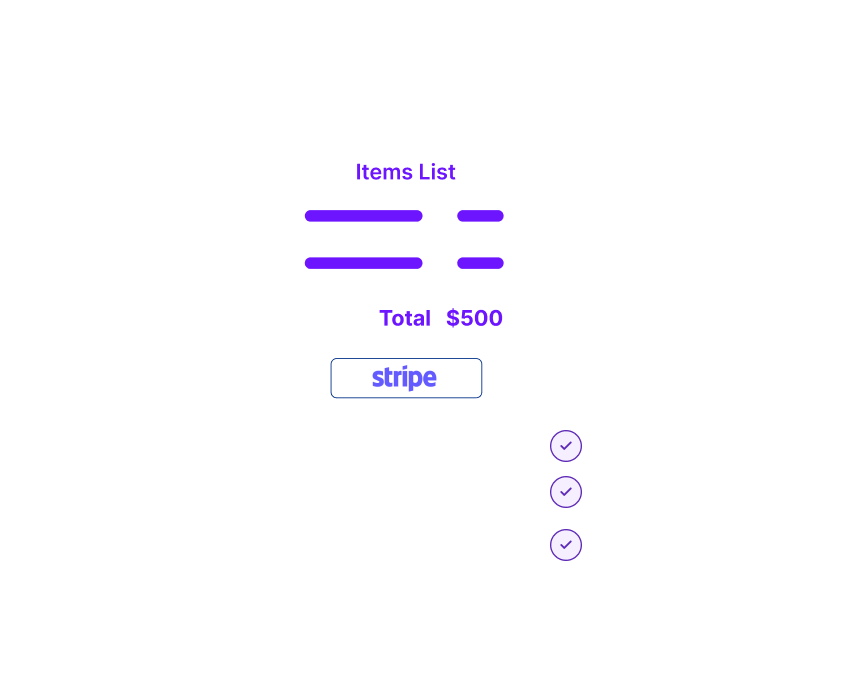
It helps to clarify the pricing structure of your products and services for your customers by building instant payment forms. It is also a payment plugin with a neat interface and allows your customers to pay through Stripe gateway. Accepting online payments has never been this easier.
This WordPress plugin has a simple shortcode that allows you to set up the Stripe payment button on your quotes.
It has a responsive design with loads of customizable options, so it is more compatible and easier to use than gravity forms or other plugins.
Table of Contents
Why Use Stripe to Accept Payments on WordPress?
As far as the pricing is concerned, Stripe is one of the easiest to understand gateways. It charges a flat rate of 2.9% +30c to the businesses which do $1million a year. Stripe Payments are secure and swift.
Stripe is the best payment gateway for accepting online payments. Businesses of all sizes can find value in it and make use of its tools. It is trusted by big names like Best Buy, Target, Lyft, Docker, Hubspot, and hundreds of small and medium-sized businesses. Ranging from Billing System to Fraud Detection feature of Radar to Stripe Checkout, a pre-built hosted payment page optimized for conversions. Stripe has state of the art business tools and features for entrepreneurs and online businesses. Stripe Dashboard allows you to customize the Stripe Settings according to your preferences. It allows you to accept one-time as well as recurring payments through credit cards right on your website.
Why Use A Stripe Payment Plugin for Your Website?
There are several reasons why this plugin is the best in the market.
1
Reduced Bounce Rate
It reduces the bounce rate and allows your visitors to pay right on your website. While other plugins are quite expensive or out of date, this WordPress plugin allows you to collect payments on your website without the need to go to an externally hosted Stripe Checkout page. It is also worth noting that Stripe Payment Gateway requires third-party plug-ins to let your customers pay on your website as it doesn’t have an official plugin. Choose the best plugin in the market for getting secure and swift payments.
2
Clear Pricing Structure
Most customers want to estimate the cost of the products they are interested in before making a buying decision. Stripe doesn’t offer a cost estimator tool for visualizing your products’ cost as it is only a payment gateway. The Stylish Cost Calculator can solve the problem. StylishCost Calculator is a stand-alone plugin like WP simple pay. WP simple pay allows you to build a simple payment form, but it is not a sophisticated cost estimator tool like Stylish Cost Calculator. Stylish Cost Calculator is an advanced payment field form that gives your customers the ability to customize the payment experience, from estimating your services’ cost to making the payments.
3
Various Customizable Options to Create an Attractive Quote
There are various Plugins in the market which allow you to accept payment through credit card. However, it is hard to find a Stripe Payments plugin that offers a variety of features like customized interface, font options, and currency conversion options.
4
Convenience and Better User Experience
The plugin creates payment forms that are very user friendly. You can also add sliders, drop-downs, and checkboxes that your customers can utilize by inputting their own unique information to receive a customized quote. Business owners can also choose to use an eCommerce plugin or wp simple pay lite, but such plugins offer limited functionality in their usability and interface. Some of these plugins are quite expensive, and the free-ones do not add new features very frequently or support their users. Clearly, Stylish Cost Calculator is quite user-friendly and a better choice.
5
A Library of Pre-made Templates
Too busy to create a quote from scratch? We’ve got you covered. Browse through One-click Template Loads and choose your favourite template from the list of 14 neat and attractive templates. Complete your quote with Stripe, Paypal, or Woo Commerce Integration tab and let your customers land on Stripe Checkout for user-friendly transactions.
Step by Step Guide to Install Stylish Cost Estimator Tool with Stripe Integration on WordPress site
Here's a step by step guide to install Stylish Cost Estimator Tool on the WordPress website to accept credit card payments through Stripe account.
Step 1
Search for “Stylish Cost Calculator” in the WordPress plugin section, the “Add New Plugins” option. Install and activate the plugin.
You will also be given an option to choose between hosting the plugin on your website or installing it to your site’s database directly through your site’s owner control panel. If you opt for the second option, you can manage the plugin through your WordPress dashboard.
Step 2
Build cost estimation forms in a few easy steps. You can do it in either of the three ways:
AI-Powered Setup:
This innovative tool guides users through a step-by-step process, leveraging artificial intelligence to create customized, efficient, and powerful cost calculators tailored to specific business needs.
One-Click Template Load:
Choose from the list of pre-made templates and paste them on your web page with or without tweaking to purchase through Stripe payment gateway finally.
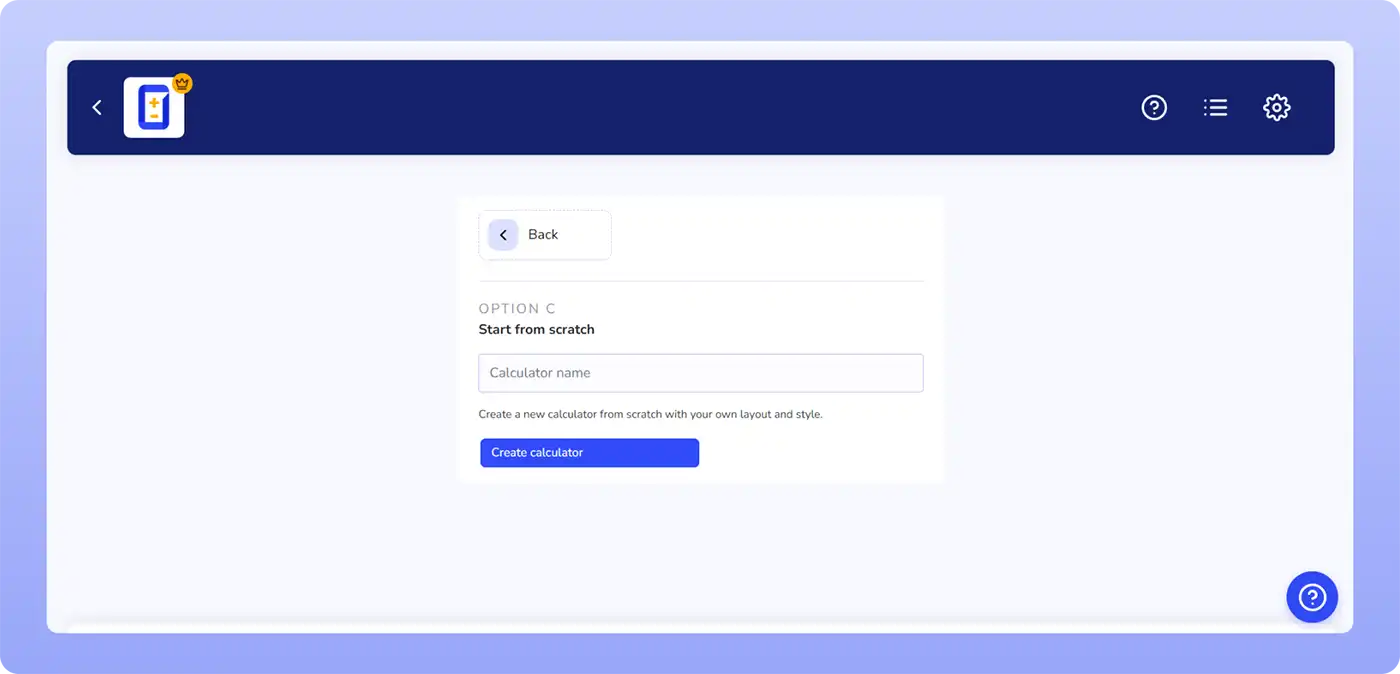
Start a New Calculator:
Create a new cost estimation form from scratch. Add sliders, checkboxes, and dropdowns that your customers can use to fill in their information to receive a customized quote. Turn buttons off and on to tweak the settings.
Step 3
From your calculator's editing page, navigate to the 'Payment Settings' section for that specific calculator instance. Enable Stripe.
Step 4
If you have not set up the Stripe keys in the Global Settings page yet, you'll be prompted to enter the Stripe keys here.
You can find those API keys from your Stripe Dashboard. This will enable you to establish Stripe as a payment processor on your website.
Step 5
Improve your Stylish Cost Calculator’s layout by choosing from some of the rare features like fonts, currency conversion options, or custom math.
Bulk Pricing Field:
It refers to the ability to have different prices based on quantities. You can drag and drop various prices in the cost estimation forms.
Fee & Discount Adjuster:
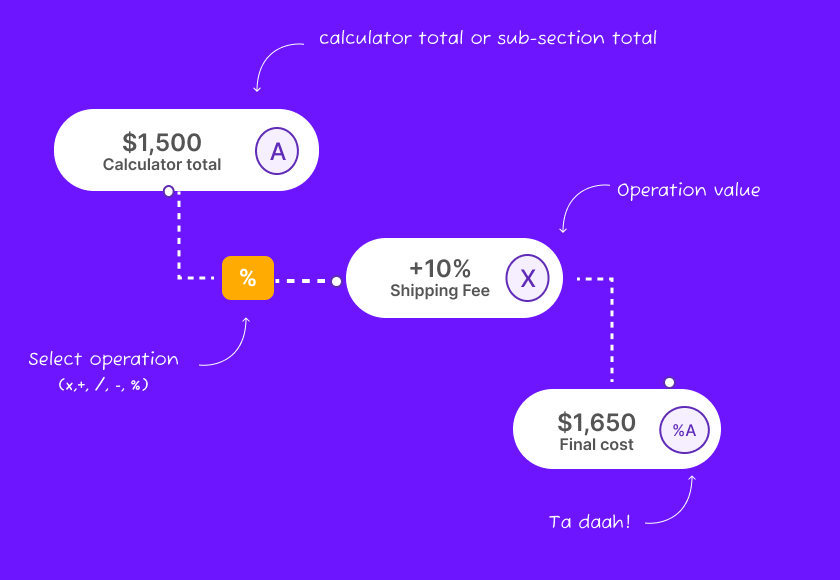
The Fee & Discount Adjuster tool allows you to add more variables while building a quote.
WooCommerce Integration:
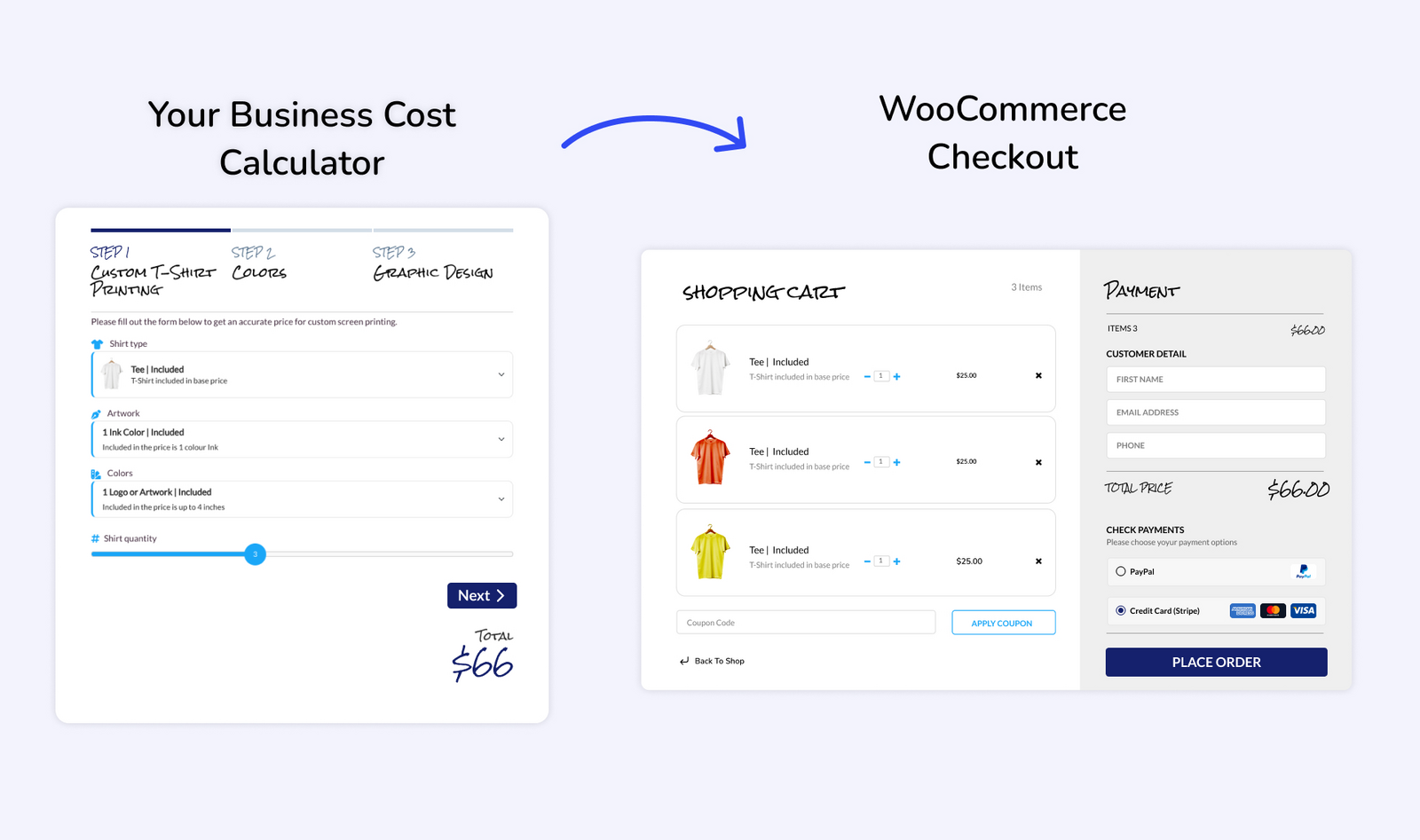
Integrate it with WooCommerce to allow the visitors to buy your products instantly.
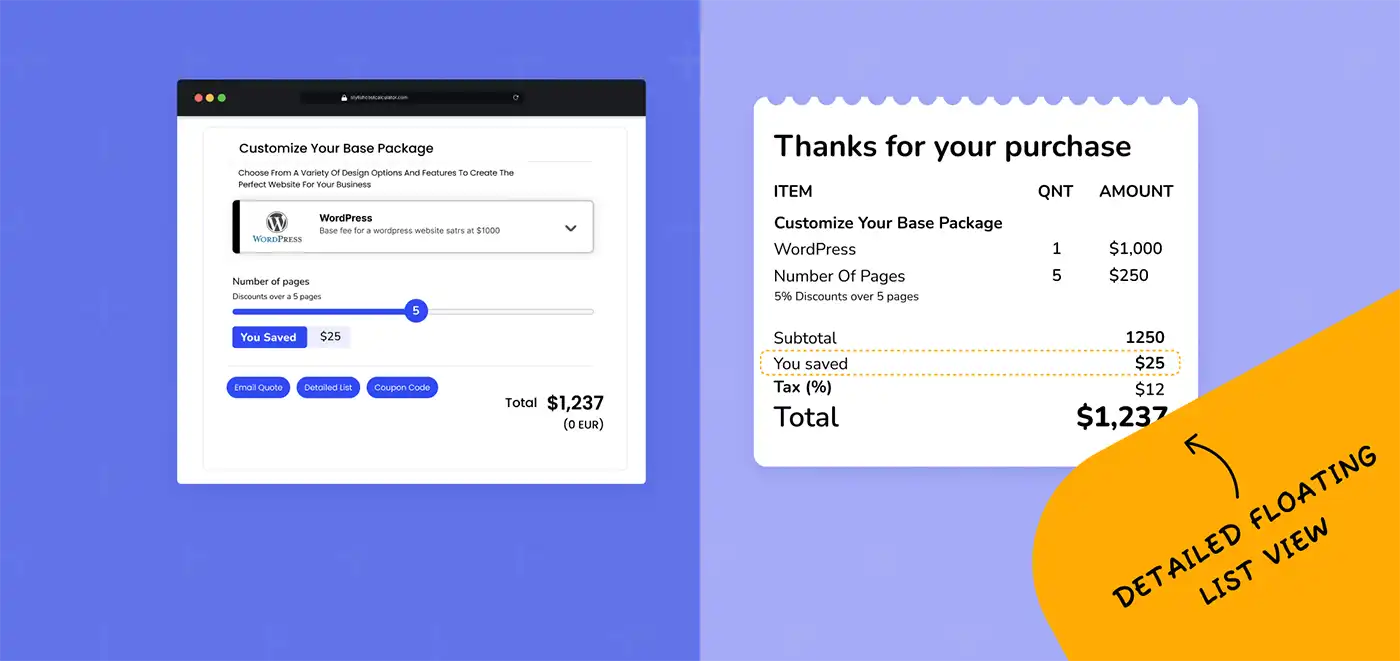
Floating Itemized List:
This feature allows users to view a formal-looking quote, which can be e-mailed as well as printed.
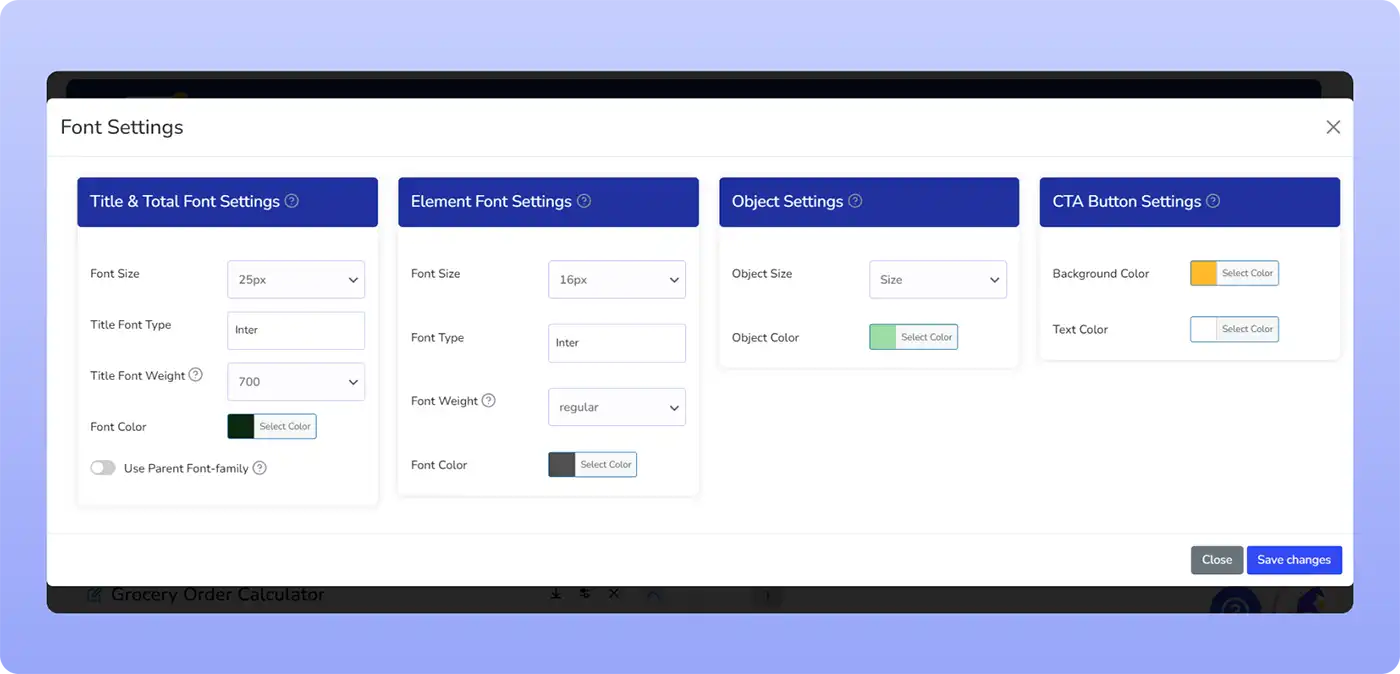
Custom Fonts:
Choose from a variety of fonts to create an attractive quote.
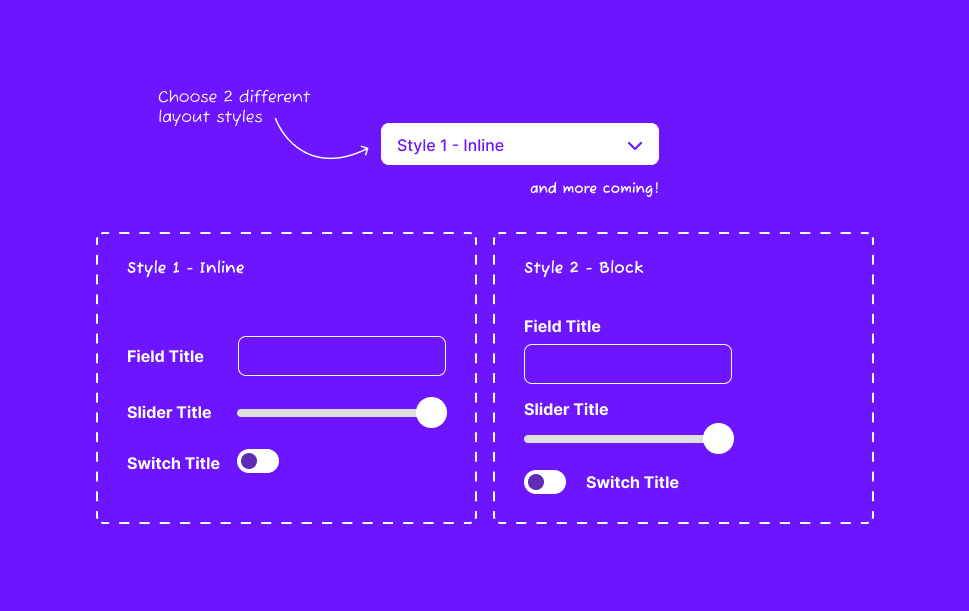
Frontend Styles:
Choose between two frontend styles to decide which style best suits your website and brand.
Step 6
Finish setting up your form, and that’s it! Stripe is integrated as a payment option into your price estimation forms.
Copy & paste the shortcode of your Calculator on any of the pages of your WordPress website.
Who is it For?
WooCommerce Users:
Finish setting up your form, and that’s it! Stripe is integrated as a payment option into your price estimation forms.
Get your WooCommerce subscription and enter your products and their prices. Now you can literally start selling anything with the help of this woocommerce payment gateway.
Business Owners and Creators
Business owners and creators can use the Stripe WordPress Plugin for selling any of their products or creations without any hassle. The plugin can be used to receive payments for Easy Digital Downloads.
Easy Digital Downloads is a complete e-commerce solution for selling your digital products. It is also worth noting that Easy Digital Downloads stores earn 47%more revenue when they use Stripe to accept payment compared to Paypal.
Sell your digital or physical products, services, and subscriptions like a breeze with this
You can enable the plugin on any of your product pages, as well as the blog’s settings. We’ve found that enabling the plugin in your blog’s settings works great.
Key Takeaway
It is one of the best plugins in the market for developing a quote and paying through Stripe. It is remarkable due to its shortcode, custom fields, and diverse settings. A variety of business models can benefit from it. It can allow your customers to pay through the WooCommerce Stripe payment gateway right on your WordPress site. This way, it can be called a WooCommerce stripe plugin. It also allows the visitors of your site to calculate the costs and make payments through Stripe for digital and physical products. Now you can accept all the payments right on your website. Let’s get down to the business and start making money online with this premium plugin.