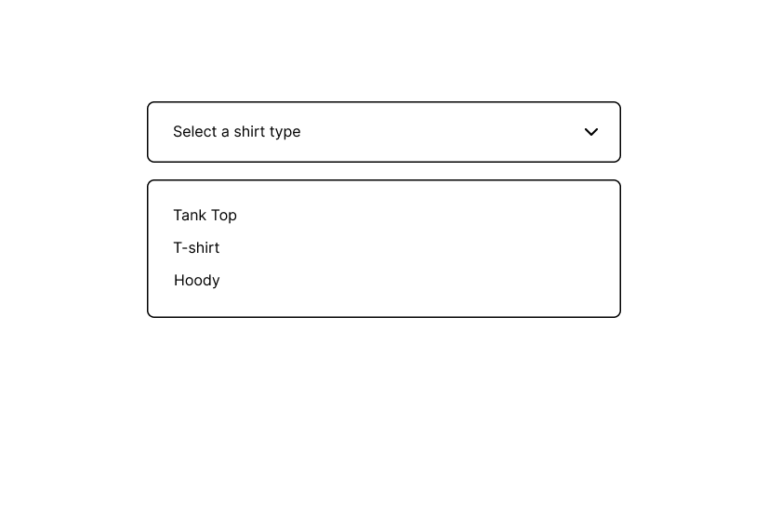
You can insert many options into a single drop with the Dropdown element. The dropdown menu is great to use when you want to force a user to select only one option in any given category.
Table of Contents
Watch It In-Action
On this example, you can see how the price changes on each option
How to Activate & Use This Feature
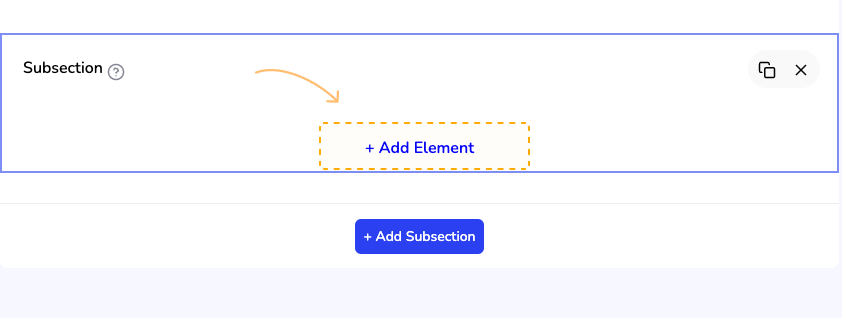
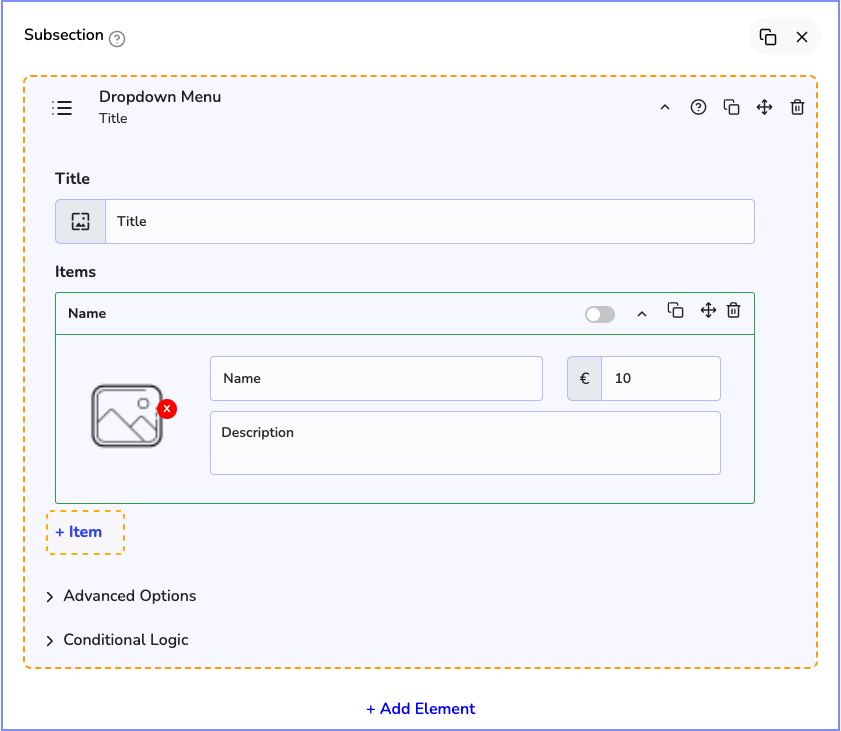
To get started, click on the "+ Add Element" button
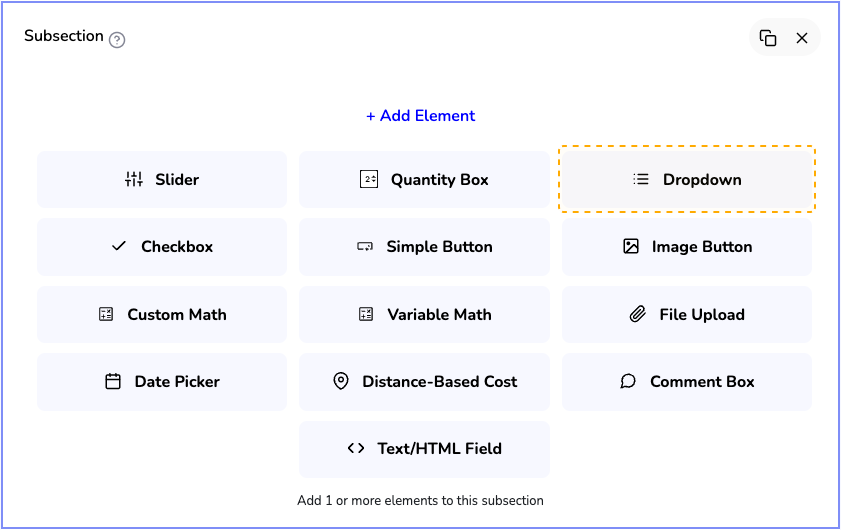
Then, click on the "Dropdown" button to add it
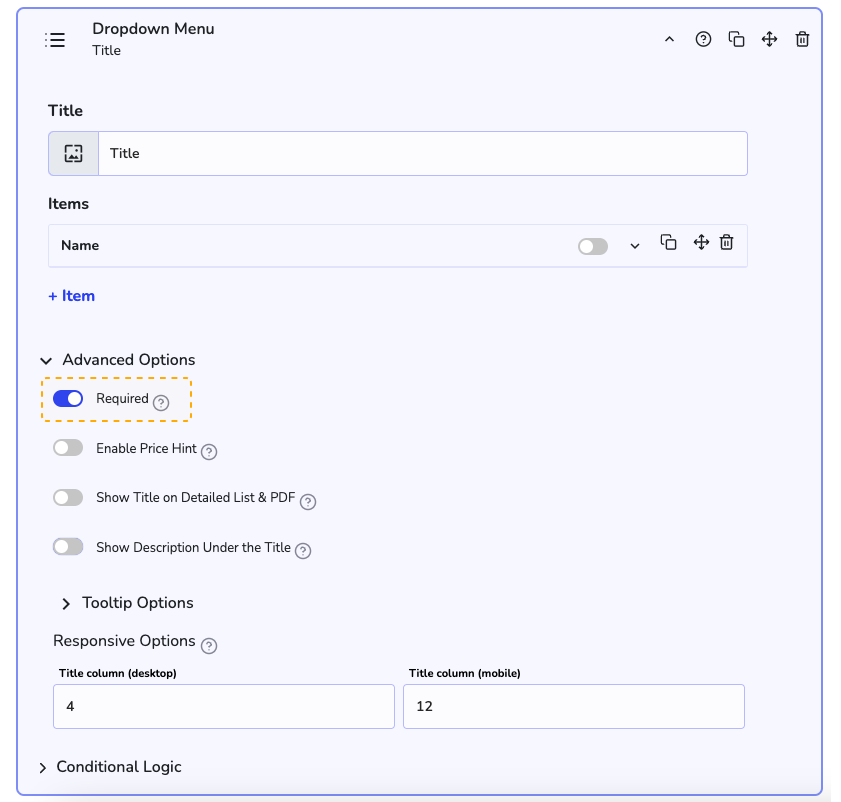
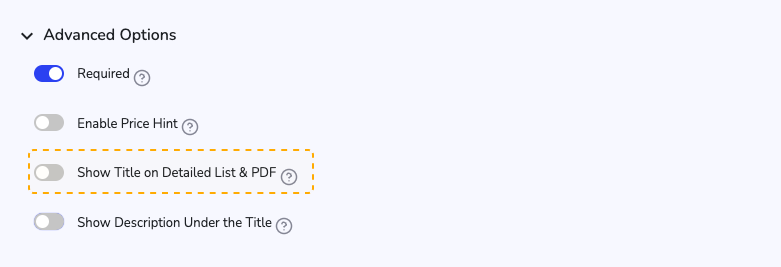
Settings & Options
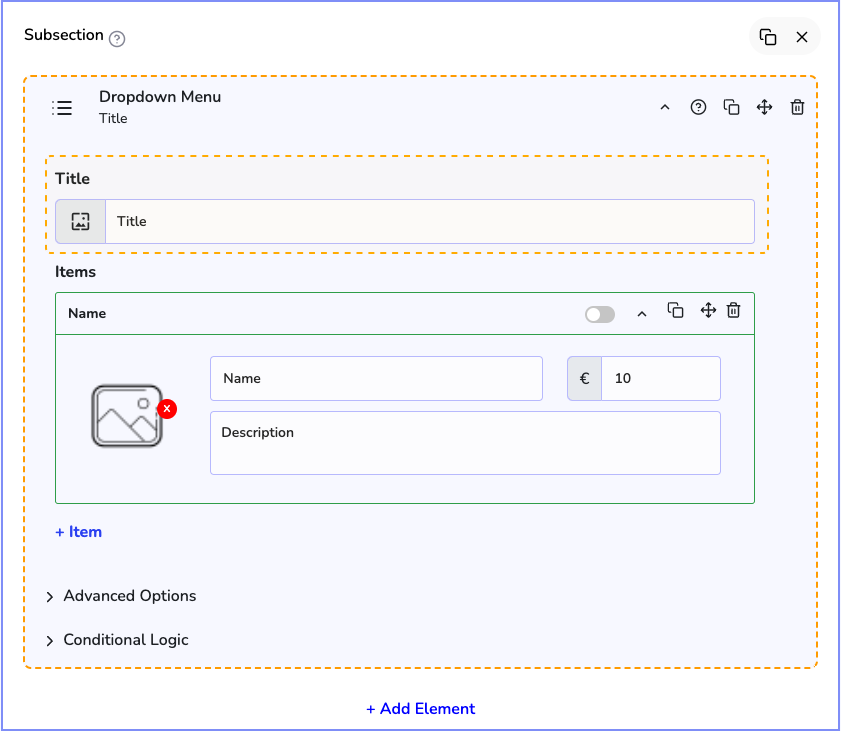
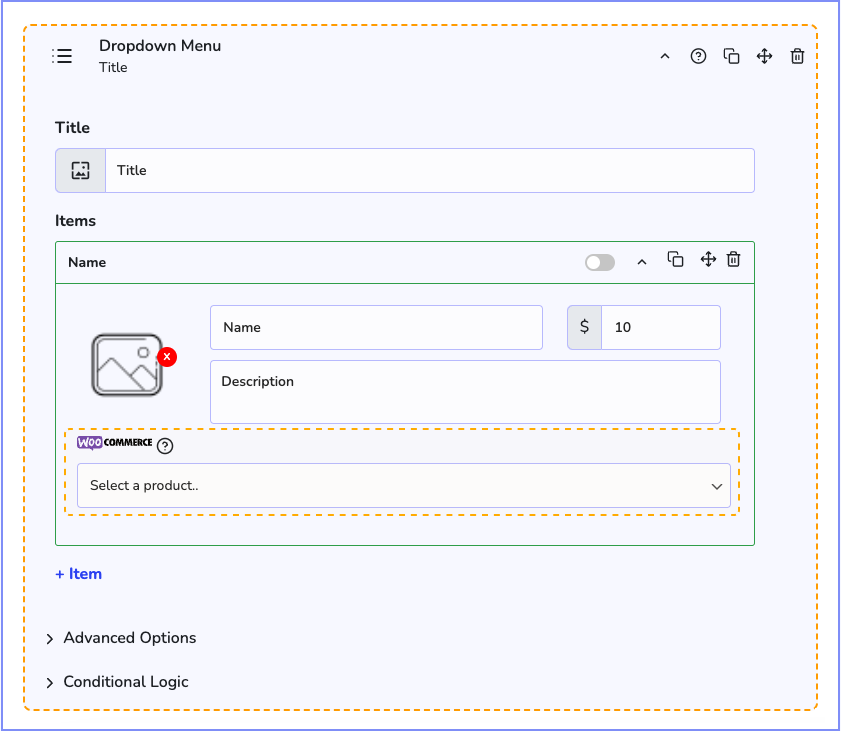
First, you can set a "Title" for this element, it's gonna be visible on the front.
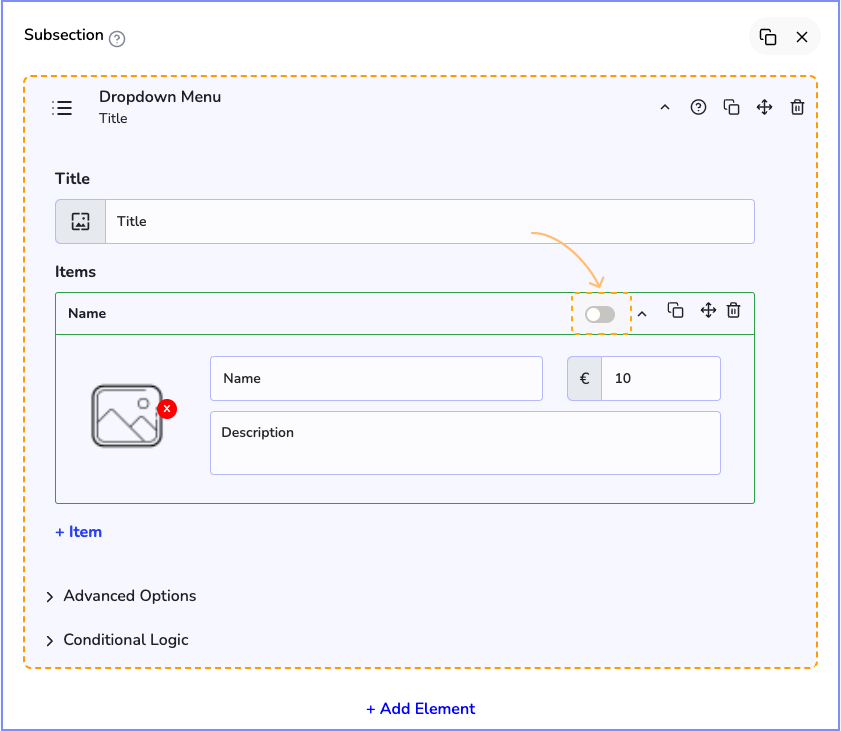
Now we have the dropdown items. In the first row, we have a toggle Switch, this will set this item as the default selected item in the dropdown.
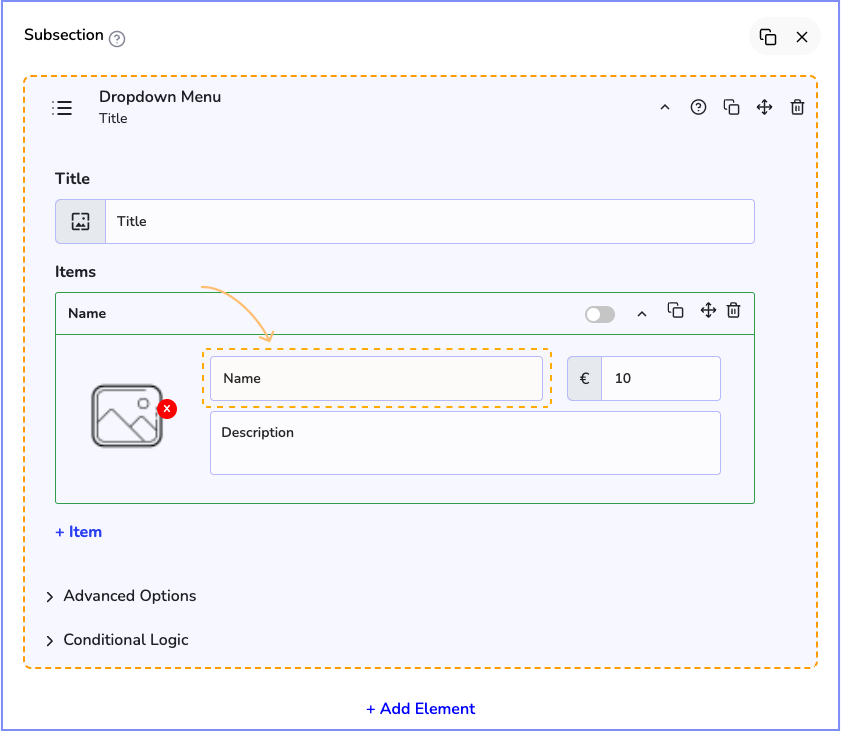
Next, we can set a name for this item. For example, "Tank Top"
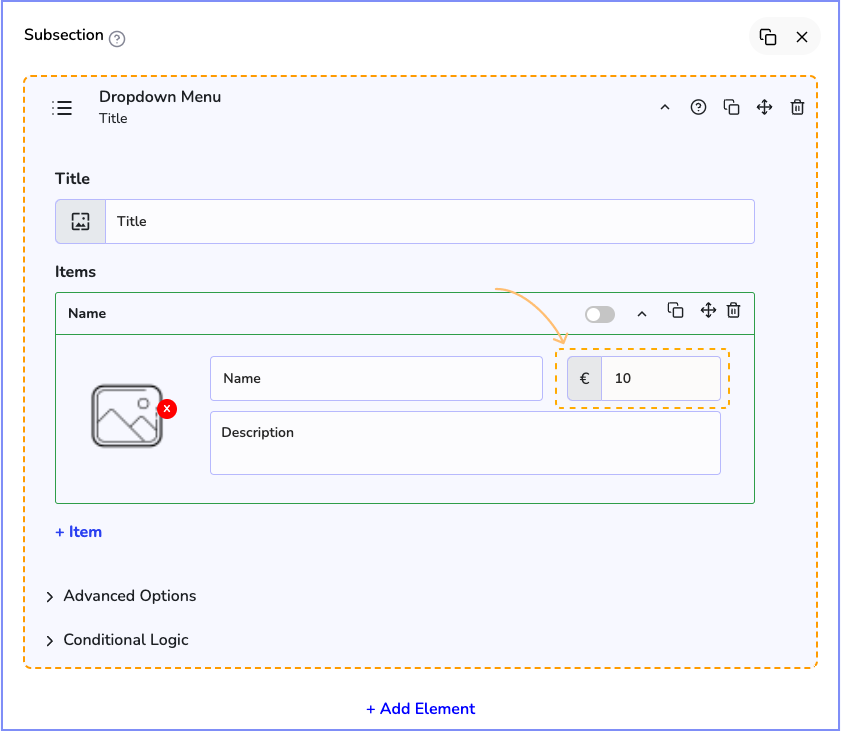
Now you can set a unit price for the item
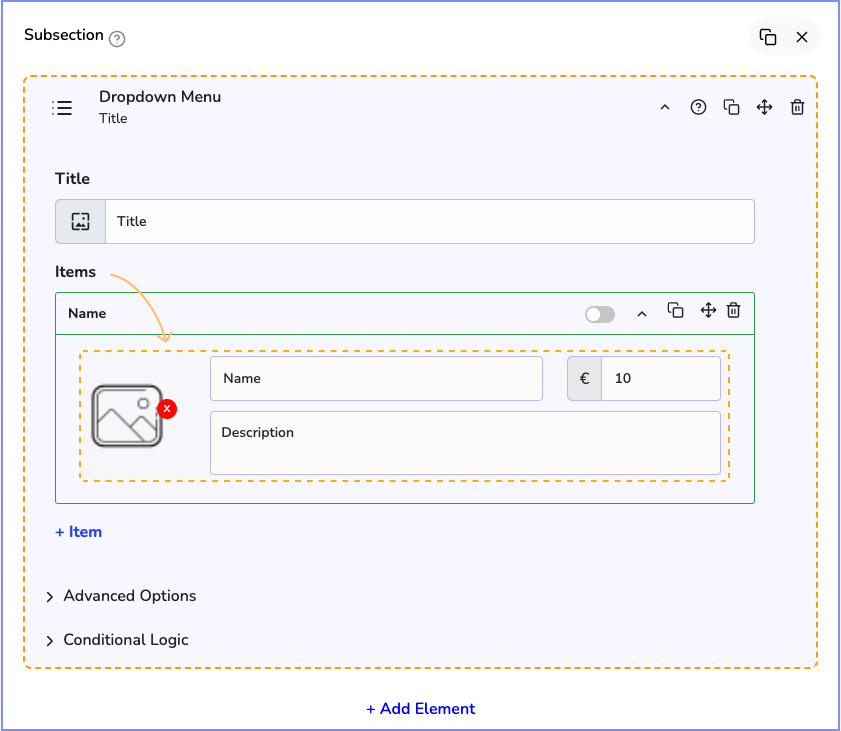
You may want to add an image and a description for this item, this is gonna be visible on the frontend
If your Stylish Cost Calculator is connected to WooCommerce, you can link this item to a WooCommerce product. You can learn more about it on the next link: