


Choosing a WordPress cost calculator plugin starts with a practical question: what should happen after a visitor sees the total?
For a cleaning company, the next step might be a quote request. A print shop may want customers to pay for a configured order. A consultant might need a formula that combines hours, service levels and optional work. Those differences matter when we compare plugins and their paid plans.
We’ve kept this comparison to five options. We’ll explain where each one fits, what its calculator features cost, and which limitations could affect your decision. If you’re searching for a WordPress price calculator plugin, the same criteria apply.
We’re the team behind Stylish Cost Calculator, which is included below. We checked vendor pricing and documentation on October 21, 2026. This is a comparison of documented features and terms, rather than an independent hands-on test. Prices and promotions can change.
| Plugin | Our suggested use | Free calculations? | Entry paid option | Main limitation to check |
|---|---|---|---|---|
| Stylish Cost Calculator | Service estimates, itemized quotes and lead capture | Yes, with basic features | D.I.Y.: US$49/year promotional; regular US$79 | D.I.Y. excludes customer support |
| WPForms | Calculators alongside contact, registration and other forms | No custom Calculations feature in Lite | Pro: US$199.50 first year; regular US$399/year | Calculations require Pro or Elite |
| Formidable Forms | Custom formulas and forms that use submitted data | No custom formulas in Lite | Basic: US$39.50 first year; regular US$79/year | Calculator templates and some integrations require higher plans |
| Calculated Fields Form | Formula-based calculators with one-time paid licences | Yes | Professional: €29.99 promotional; regular €49.99, one-time | WooCommerce and PDF generation require higher editions |
| Cost Calculator Builder | Visual estimators with service templates | Yes | Individuals Pro: US$59/year promotional; regular US$89 | Conditional logic, payments and other advanced features require Pro |
The paid prices above are starting points for comparison, not a requirement to pay for every calculator. The euro and US dollar amounts use different currencies. WPForms and Formidable state that introductory offers renew at full price. For the other promotional subscriptions, confirm the renewal amount at checkout; a displayed regular price alone does not establish your renewal terms.
Both terms describe tools that calculate a total from a visitor’s inputs. We focus on how the business will use that total.
A contractor might show a preliminary estimate that still needs a site visit. A print shop could calculate an order price from garment type, quantity and artwork options. A quote calculator adds a way to collect contact details, store the request or send the estimate by email.
Write down that final step before choosing a plugin. A calculator that displays the right number may still need a higher plan to send a PDF, accept payment or connect to WooCommerce.
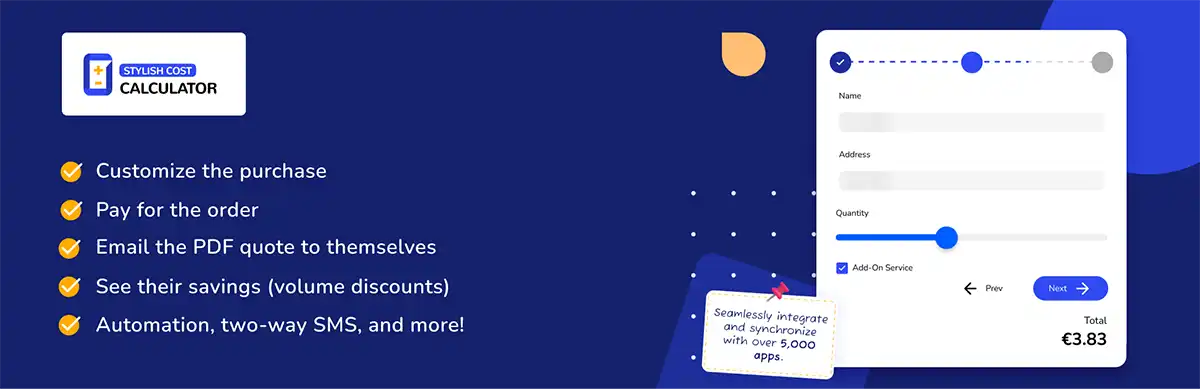
We recommend Stylish Cost Calculator for businesses that want visitors to configure an offer, understand the price and take the next step toward a quote or purchase.
Stylish Cost Calculator has a visual builder, templates and responsive forms. Its paid features include conditional logic, forms with multiple steps, itemized email/PDF quotes, quote management, SMS quotes and webhook connections. Stripe, PayPal and WooCommerce integrations support payment workflows. You can review these on our features page.
The free plan includes basic elements, lead capture and limited AI Setup Wizard credits. The main decision between D.I.Y. and Premium is support: both have the paid calculator features, but D.I.Y. excludes customer support.
| Stylish Cost Calculator plan | Advertised price | Sites | Support or licence detail |
|---|---|---|---|
| Free | US$0 | Unlimited | Basic features |
| D.I.Y. annual | US$49/year promotional; regular US$79 | 1 | No customer support |
| Premium annual | US$99/year promotional; regular US$149 | 1 | Customer support and setup assistance |
| Agency annual | US$279/year promotional; regular US$399 | 25 | Priority support |
| Premium lifetime | US$349 one-time | 1 | Customer support listed |
| Agency lifetime | US$999 one-time | 10 | Priority support; lifetime updates specified for V2.x |
The annual and lifetime Agency licences have different site limits. Our pricing page also lists a 14-day money-back guarantee for paid plans.
For a cleaning business, we’d start with an estimate based on room count and optional extras. The existing house-cleaning calculator template shows that type of form.
Stylish Cost Calculator is focused on calculators and quotes. If you need a wider form system for unrelated tasks, compare that requirement with the next two options before buying.
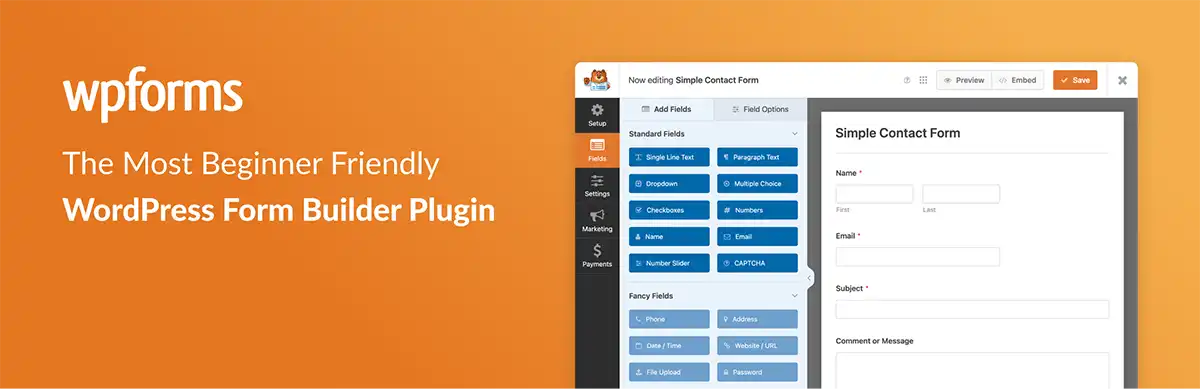
WPForms makes more sense to us when a calculator belongs alongside contact forms, registrations and other forms on the same site. Its Calculations feature supports custom formulas and live totals, while its broader form tools cover other collection and payment needs.
The relevant starting plan is Pro, advertised at US$199.50 for the first year, with a regular annual price of US$399 and use on five sites. Calculations are included in Pro and Elite. Basic, Plus and the free Lite edition do not include that feature. WPForms states that renewals are at full price. Check WPForms plans and terms.
A service business already using WPForms could add an estimator within that form system. Check the exact integrations you need: the presence of Calculations does not mean every connection is included in Pro.
For a site that only needs a price estimator, we’d weigh the Pro subscription against the dedicated calculator options. The lower-priced WPForms plans are not a substitute for Pro’s custom calculations.

Formidable is our next option when a calculation needs to work with stored submissions or a more involved form workflow.
Basic already includes calculations and advanced math. It costs US$39.50 for the introductory year, with a regular annual price of US$79, for one site. Business costs US$199.50 introductory, regularly US$399/year, and adds calculator templates, PDFs and more integrations. Renewals are at full price. Basic and Plus also carry a 3% transaction fee on applicable payments; Business removes that platform fee, while payment processor charges still apply. Compare Formidable plans.
Its free Lite edition is a form builder, but custom calculations are a premium feature. Formidable identifies them that way in its number-field documentation.
For example, a consultant could calculate a fee from hours, a service level and optional work. Choose the plan around the complete workflow: Basic may cover the formula, while templates, PDFs, data display or integrations can require an upgrade.

Calculated Fields Form deserves a look when we need a calculation engine and want to keep the initial cost low.
Its free Basic edition includes calculated fields, mathematical and logical operations, conditional rules and forms with multiple pages. It also lists Stripe Checkout for one-time payments.
Paid editions use one-time purchases. Professional is €29.99 promotional, regularly €49.99, and adds file uploads, PayPal, coupons and recurring Stripe payments. Developer is €59.99 promotional, regularly €99.99, with advanced operation modules, WooCommerce and webhooks. Platinum is €89.99 promotional, regularly €149.99, and adds PDF generation and further integrations. The vendor lists lifetime access to updates and 60 days of technical support for paid editions. Review the edition comparison.
We’d consider the free edition for a form that multiplies length, width, quantity and a rate. If the result needs to enter a WooCommerce order or become a PDF, include the relevant paid edition in your budget.
A one-time licence can suit that setup, but it does not mean ongoing technical support is included indefinitely.
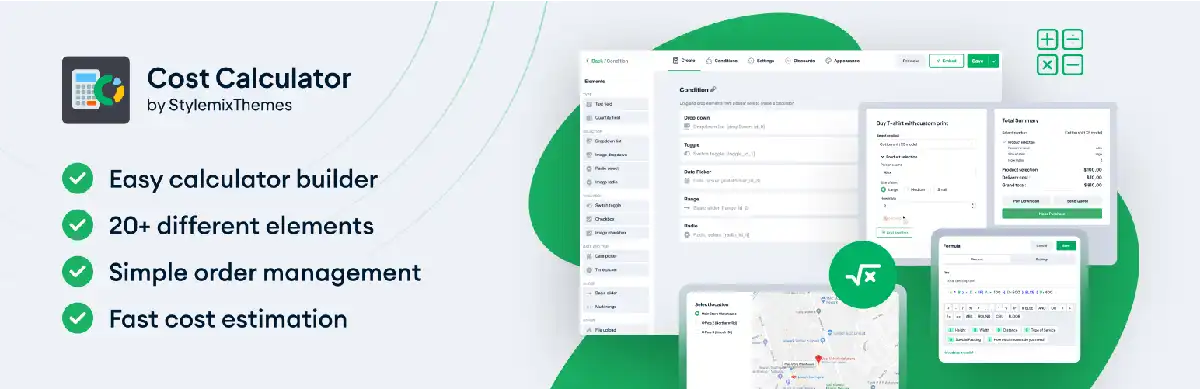
Cost Calculator Builder by StylemixThemes rounds out our list. It’s an option for businesses that want a visual estimator with a service template as a starting point.
The free version includes a calculator builder, formulas for totals and instant estimates. Pro adds conditional logic, payment integrations, WooCommerce checkout, file uploads, PDF entries, webhooks, multiple steps and AI formula generation.
The Individuals Pro annual licence covers one site at an advertised US$59/year promotional price, compared with a regular US$89. It includes one year of updates and support. Lifetime and multiple-site licences are also available. Review StylemixThemes pricing.
A landscaper could use it to estimate work from area, service type and extras. Compare the available fields with your pricing model before choosing a template. Conditional extras or payment collection would move that example into Pro.
These hypothetical figures illustrate calculations. They are not customer results or suggested market rates.
A US$150 call-out fee, eight units at US$40 and a US$75 extra total US$545.
For this form, we’d look for quantity fields, optional extras and an itemized result. The total needs an estimate label if the business still has to confirm the scope.
Fifty items at US$12 each plus a US$35 setup fee total US$635.
Quantity rules, product options and file uploads matter here. The choice between checkout and a quote request depends on whether the printer needs to approve the artwork first. Our T-shirt printing calculator template provides a visual example; its demo prices differ from this illustration.
A US$1,200 package, a US$350 booking integration and a US$400 multilingual option total US$1,950.
This should remain an estimate if the agency needs to review requirements before committing to a final quote. The form should capture those choices and give the customer a clear way to request that review.
Our starting point is one offer and a list of every field that changes its price. From there, we can identify the lowest plan that supports the whole process, including what happens after the total appears.
For a simple live estimate, Stylish Cost Calculator, Calculated Fields Form and Cost Calculator Builder have free starting points. For custom formulas within a wider form system, compare Formidable Basic with WPForms Pro and check whether the other form features justify the cost.
For emailed quotes, we look at itemization, PDF availability and how the request reaches the business. Payments raise further questions about the gateway, platform fees and how the calculator passes prices to the cart. An integration name on a feature list is a starting point for that review.
Support and licence limits deserve the same attention as features. Stylish Cost Calculator’s annual and lifetime Agency plans illustrate why: they cover different numbers of sites. Include renewal prices in your budget, particularly when an introductory discount makes the first year cheaper.