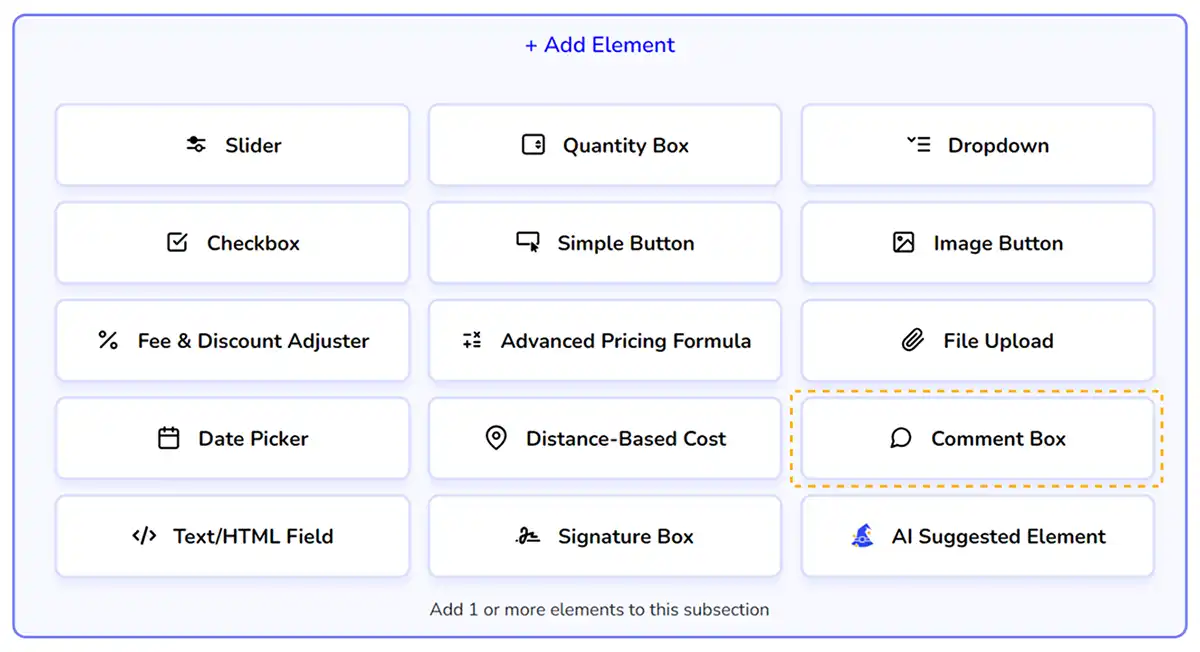
Comment Box
Add a comment box to your form to request extra information from your customers.
Table of Contents
Settings & Options
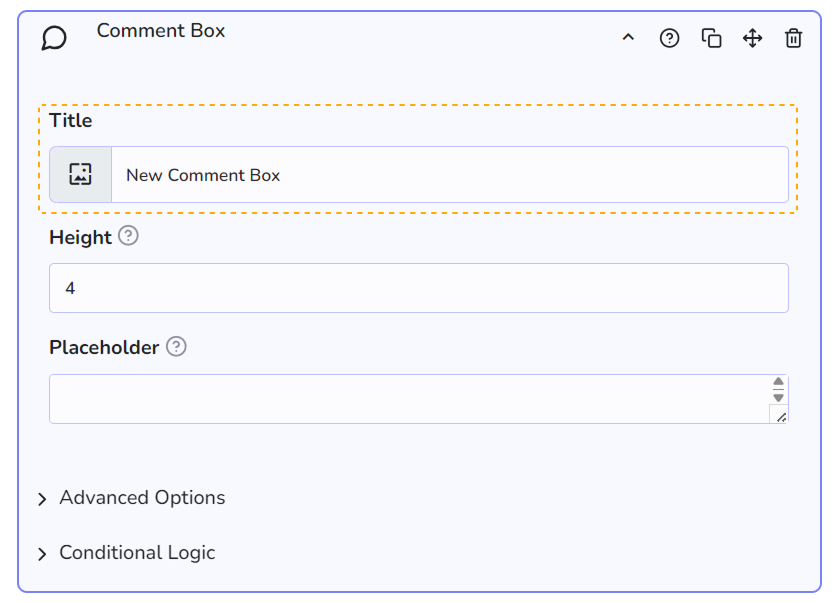
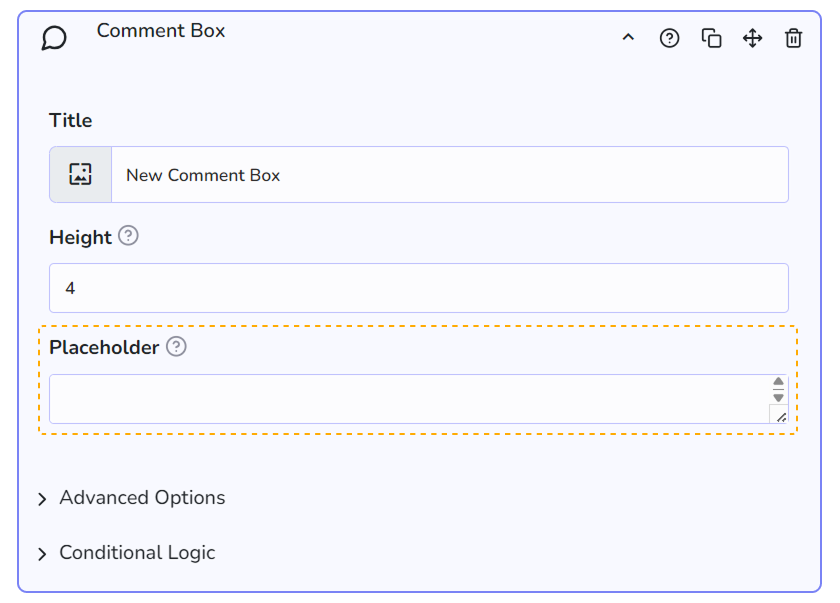
You can set a Title for this element, which is gonna be visible on the frontend
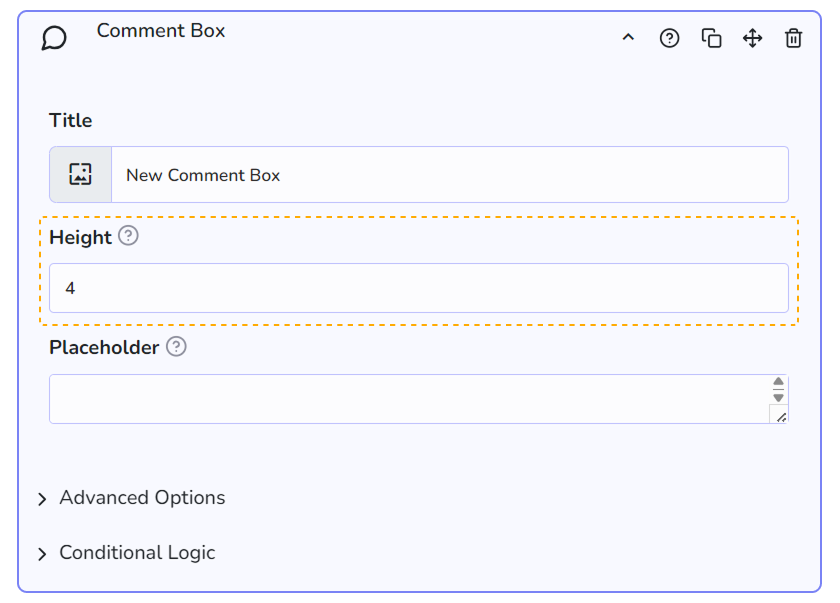
You can set the element height , you can play with this setting depending on the amount of text you want to gather from the customer
You can add a Placeholder to the field, this will help the customer understand what you expect them to type.
Benefits, Features & Use Cases
It’s always useful to collect extra data, information, or feedback from your customers. They may want to communicate something important to you before acquiring your products or maybe they just want to clarify expectations upon purchase. In any case, a Comment Box is a good resource to improve communication.
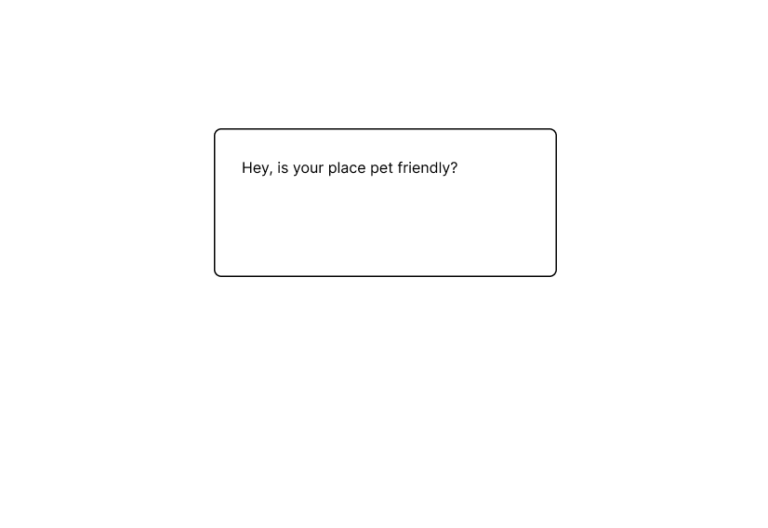
Use cases:
- Your customers want to ask a question about a specific service or product (The comment box could be shown with conditional logic.
- You can ask a question to your customer with the HTML/Plain Text element and they can answer this question with a comment box.
Additional Information
Related Features
Limitations
This element does not admit HTML content for users or admins. If you want to add HTML content to your calculator form, we suggest using the HTML/Text Field element.
Don't miss a powerful feature! 👇